

 On eBay Now...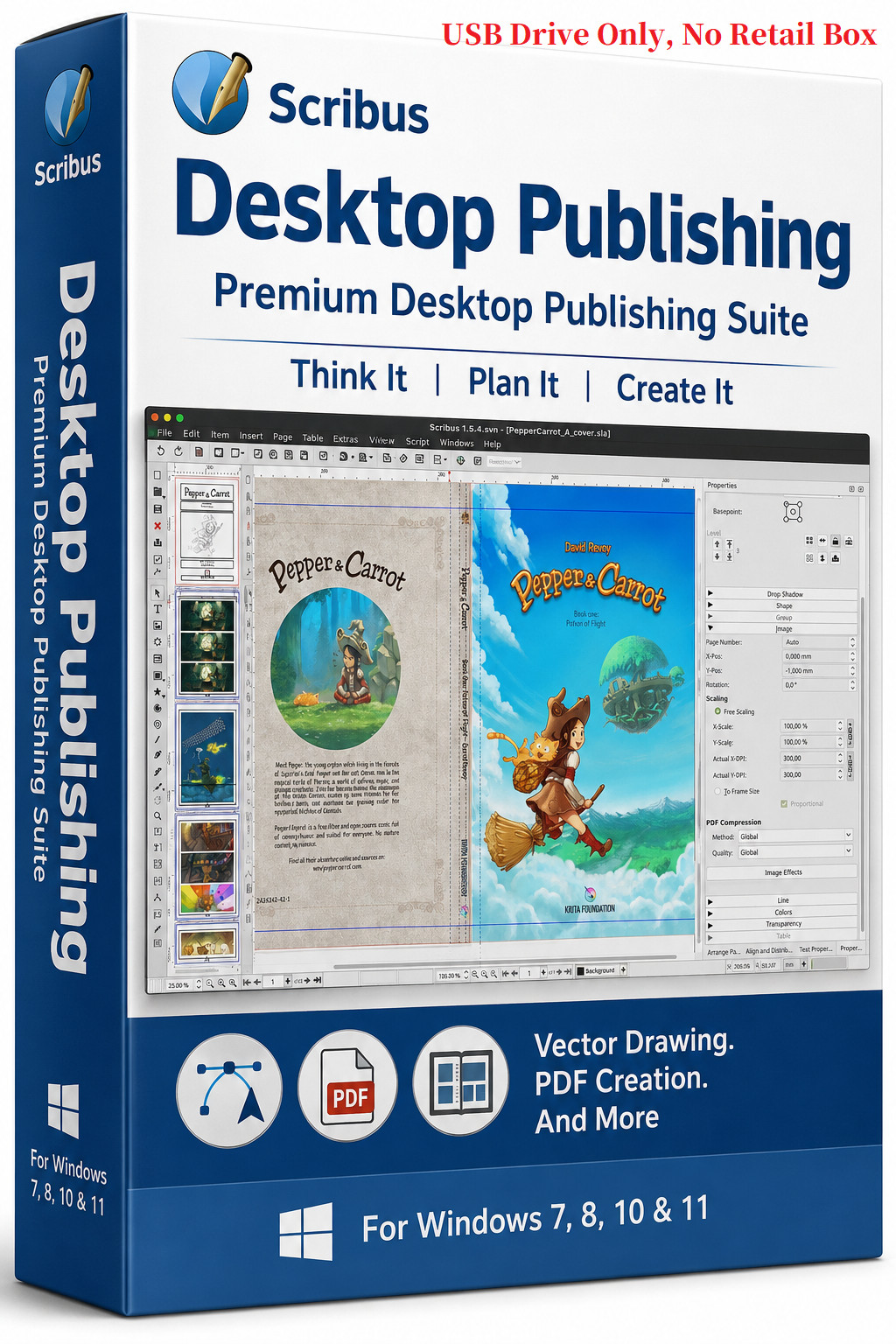

Why settle for ordinary when you can create extraordinary? Introducing Scribus, the versatile desktop publishing software that puts the power of professional design at your fingertips. Scribus is your gateway to visually stunning layouts and print-ready publications.
Scribus is a desktop publishing (DTP) application designed for professional page layout and print-ready document creation, acting as an alternative to Adobe InDesign or QuarkXPress. It is widely used to create brochures, newsletters, magazines, books, and interactive PDFs.
✅Product Features:Page Layout & Design- Master Pages: Create consistent layouts across documents.
- Layers: Support for multiple, transparent, and blendable layers for complex designs.
- Precise Positioning: Detailed alignment tools, guides, grids, and node-based editing for Bézier curves.
- Text Handling: Advanced character/paragraph styling, flowing text across linked frames, and automatic text frame generation.
- Text Wrapping: Highly precise text wrapping around objects, including custom contour lines.
- Scrapbook: Feature to store frequently used items (text boxes, images) for drag-and-drop reuse.
- Professional Color Spaces: Full support for CMYK, Spot Colors (Pantone), and RGB.
- ICC Color Management: ICC profile support for input and output devices.
- Pre-flight Verifier: A built-in checker that analyzes files for errors (e.g., missing fonts, overflow text) before printing.
- Bleeds and Marks: Native support for printer marks and bleeds for professional printing.
- Versatile PDF Creation: Supports PDF 1.3 to PDF/X-3, including interactive PDF forms, annotations, encryption, and layers.
- Import/Export: Imports and exports a wide range of formats, including SVG, EPS, PSD, and AI.
- File Format: Uses a transparent, XML-based .sla file format.
- Scripting Engine: Built-in Pythonscripting for automating repetitive tasks.
- Complex Script Support: Updated rendering engine supports complex scripts like Arabic, Hebrew, Chinese, and Hindi.
- Vector Tools: Includes tools to draw and edit vector graphics directly.
- Cross-Platform: Runs on Windows, macOS, and Linux. This package runs on Windows.
- Operating System:Windows 7, 8, 10, 11
Memory: 4 GB RAM minimum (8 GB recommended)
Processor: Dual-core or better
Graphics: OpenGL-capable graphics card
💾 A plug-and-play USB drive preloaded with the software for Windows
📘 Easy installation instructions (PDF format) included on the USB
- 📘 PDF user manual guide you through the usage of the software
🚀 Fast USA Shipping from a trusted seller
Q: Can I install this software on multiple computers?
A:Yes! You can install the software onany number of computers or laptopswithin your household. There areno usage restrictions, and you're welcome toshare it with family or friends.
Q: Does this software require a product key or activation?
A:No. It doesnot require a product keyor activation of any kind.
Q: Do I need to register the software?
A:No registration is necessary. This software hasalifetime license. You can simply install and start using it right away.
Q: Are installation instructions included?
A:Yes! A“StartKit” PDF filewith installation instructions is included in the USB drive.
Q: Do you include a printed manual?
A:No printed manuals are provided. ADigital PDF manualis included in the USB with the software.
Q: Does the software come in a box?
A:No. The box image is forillustration purposes only. The software is supplied onUSB drive.
Q: Is this the full version of the software?
A:Yes, this is thefull versionof the software.
RETURN POLICY
Please note that No Returnwill be accepted due to the nature of software except the USB drive is damaged or malfunctioned.
Feel free to reach out if you have further questions.





